Design.com Review: Features, Pricing, and Is It Worth It?
Design.com markets itself heavily around AI. Here's what the platform actually offers, what it is likely to cost, where it is weaker, and who should use it.
October 27, 2026
Design.com markets itself heavily around AI. Here's what the platform actually offers, what it is likely to cost, where it is weaker, and who should use it.
October 27, 2026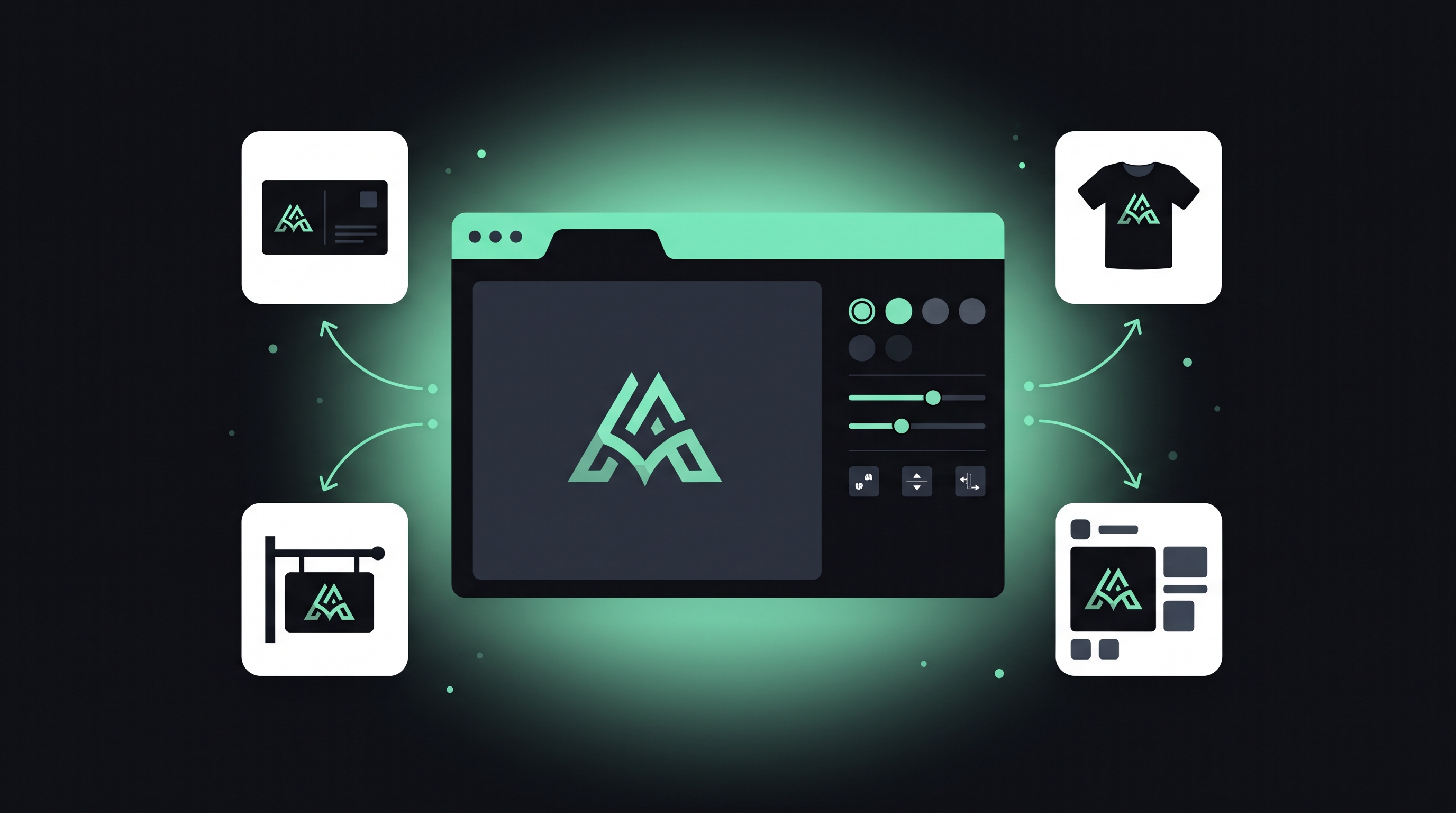
Choosing a logo and brand toolkit is a decision most small business owners make quickly and cheaply, which is exactly why it is worth getting right. Design.com is one of the better-known names in the online logo space, and it markets itself heavily around AI. This review looks at what the platform actually offers, what it is likely to cost, what it does well, where it is weaker, and who should (and should not) use it.
A quick note on sourcing: feature details here come from Design.com's own public pages, while pricing comes from a mix of third-party listings that do not fully agree. Treat any price in this review as approximate and verify it on Design.com before paying.
Design.com is an online design platform best known for its AI logo generator. The core idea is simple. You describe your business, the system generates logo options, and you edit your favourite into a finished design. From there, you can apply that logo to a range of branded materials, from business cards to a website.
It is aimed at people without design training: first-time founders, freelancers, small local businesses, creators and side-project owners who want something polished without hiring an agency.
The AI logo generator starts from a short text prompt. A typical input is your business name and a brief description of what you do. The tool returns a set of logo concepts. You can refine the results by adding keywords, and you can save the ones you like to a shortlist so you can compare them later.
Once you choose a design, you move into the editor. Here you can adjust the details until the logo feels right, then preview it on real-world items before downloading.
Prompt-based creation removes the blank-page problem. Instead of picking from endless templates, you let the AI propose directions. Adding keywords such as an industry, a mood or a motif nudges the results. It is a quick way to explore ideas, even if you end up with something quite different from your first guess.
This is where Design.com goes beyond a simple generator. You can change colours, fonts, layouts and shapes, apply gradients, and curve text. There is also an AI chat that lets you request changes in plain language rather than hunting through menus. For non-designers, being able to say what you want in words is a genuine convenience.
A logo can look great in the editor and weak on a shirt or a storefront sign. Design.com lets you preview your design on apparel, signage and other materials, which helps you spot problems with legibility, contrast and proportions before you commit.
The platform connects the logo to a family of other assets: business cards, letterheads, email signatures, social media templates, QR codes and presentations. There is also a website builder. This matters because consistency across touchpoints is a big part of looking professional, and rebuilding your colours and fonts manually in each tool is tedious.
Downloads include PNG, JPG, SVG, EPS and PDF, with transparent-background versions. The mix covers web use (PNG and JPG) and professional printing or signage (SVG, EPS and PDF). Having vector files is important because they scale to any size without losing quality.
AI-generated logos come with a commercial-use license, so you can use them for your business. Extended and buyout licenses are optional upgrades if you need broader rights. As always, read the exact terms on the plan you buy, particularly if you plan to sell branded merchandise or want exclusivity.
Customer support is offered through live chat and email, which is helpful if you get stuck during a purchase or download.
Design.com lets you design and edit a logo for free, but downloading the finished files requires a paid plan. This approach is common among logo makers, and it means you can judge the output before spending anything.
On the amounts, sources disagree. Several 2026 listings quote an entry plan at roughly $3 per month when billed annually, or around $9 per month when billed monthly. Higher tiers are quoted in the low-to-mid teens per month, or at a few dollars per month on annual billing. Other sources give different numbers still. The sensible conclusion is that Design.com is positioned at the low-cost end of the market, but the exact figure depends on the plan, billing period and any promotions running at the time.
Two practical points apply to any subscription-based logo tool.
Check renewal terms. A low introductory price can renew at a higher rate, so read the billing details at checkout.
Plan your downloads. If all you need is the logo files, you may be able to subscribe, download everything and cancel. If you want to keep using the templates and brand tools, the subscription gives better ongoing value.
The market for logo makers is crowded. Canva is a general design platform where logo creation is one feature among many, which suits teams already using it for other content. Looka focuses on guided, questionnaire-style logo and brand-kit creation. Design.com sits between them, offering prompt-based generation with a fairly deep editor and a broad set of branded extras. If you want a quick, prompt-driven start and plan to use the logo across business cards, social media and a website, it is a natural contender.
Solo founders and side projects. If you need a decent logo this week and have a small budget, the speed and price are attractive.
Small businesses. The business card, letterhead and email signature tools help you look consistent from day one.
Freelancers and creators. A clean logo with matching social templates helps you present a professional image without learning design software.
Agencies and larger companies will probably want something more bespoke. For them, Design.com is better used for rapid exploration than as a final identity.
Write a clear prompt. Include your business name and a plain description of what you offer. Add keywords that reflect your tone, such as modern, friendly, premium or playful.
Shortlist, then compare. Save several options and review them side by side after a break. Your first impression is not always the best one.
Test small and in black and white. Shrink the logo to the size of a social avatar and view it in single colour. If it still works, it is strong.
Check the previews. Use the mockups to confirm your logo reads clearly on cards, signage and clothing.
Do a trademark search. A few minutes searching your industry now can prevent expensive problems later.
Export everything you need. Download vector and transparent versions before cancelling a plan.
For most small businesses, freelancers and new projects, yes. The combination of AI generation, detailed editing, a full set of file formats and ready-made brand assets delivers good value at a low monthly cost, and the ability to design for free first lowers the risk. It is not the right choice if you need a fully custom identity backed by brand strategy, or if you require an exclusive mark from the outset.
A practical approach is to spend an hour designing for free, shortlist a few favourites, check them for distinctiveness, and only then pay. If you end up needing only the files, you can subscribe for a month and cancel. If you want the supporting tools, keep the plan and put them to work.
Ready to see what a prompt produces for your own business? You can try the Design.com AI logo generator and judge the results for yourself.