Why Do AI Videos Still Mess Up Hands? 6 Reasons (and What's Improving)
Six reasons AI video models still get hands wrong, what is improving, how five popular tools compare, and six simple ways to avoid hand fails in your clips.
November 11, 2026
Six reasons AI video models still get hands wrong, what is improving, how five popular tools compare, and six simple ways to avoid hand fails in your clips.
November 11, 2026
AI video models learn patterns from data. They do not learn how a hand is built. Six reasons explain most hand fails: hidden hands in data, complex shapes, flat learning, motion over time, hand and object contact, and thin labels. Things are getting better through cleaner data, reference images, and more control over the shot. You can avoid many fails with simpler shots and shorter prompts.
You have seen it.
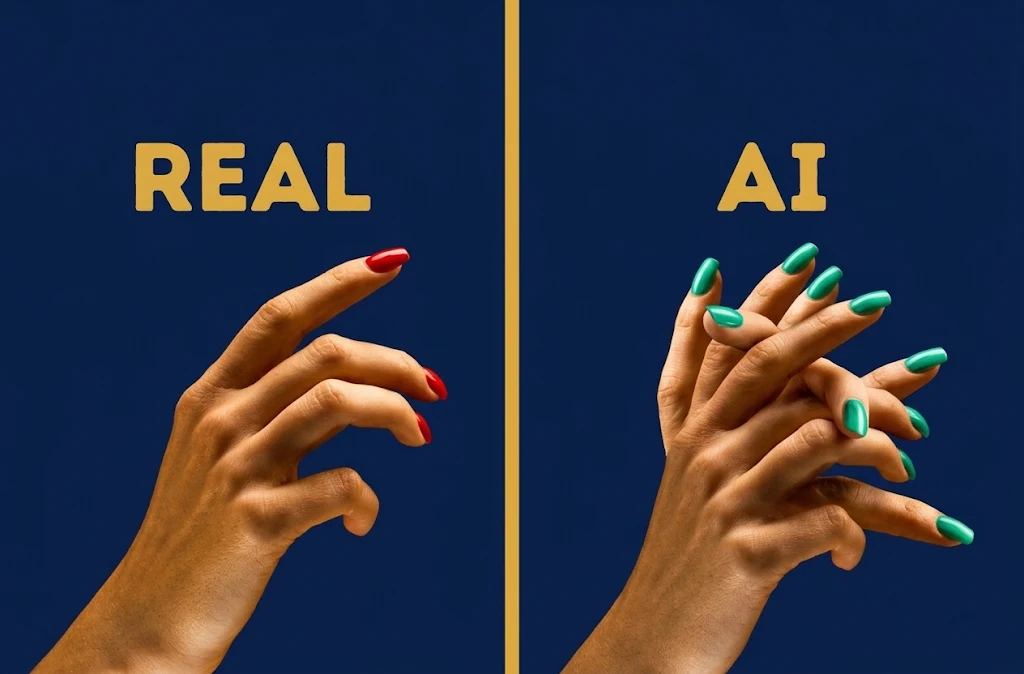
A character waves, and suddenly there are six fingers. A thumb melts into a coffee cup. A hand opens and the fingers swap places. This happens in text-to-video and image-to-video tools alike. It is not random. There are clear reasons, and knowing them helps you work around them.
An AI video generator learns from huge piles of images and clips. Faces show up clearly in most of them. Hands often do not. A Stability AI spokesperson told BuzzFeed News that people show their hands less clearly than their faces in training images. Less clear data means weaker results. Higgsfield, an AI video platform, makes a similar point in its own 2026 guide. Hands appear in a huge range of positions, and they are often partly blocked by an object or blurred by motion. The model sees many half hands. So it learns half hands.
Think about how many shapes one hand can make.
A fist. A wave. A pinch. Fingers laced together. Each one looks very different from the others. Hands have many joints, overlapping parts, and sharp changes in perspective. A hand pointing at the camera looks nothing like the same hand held flat. That is a lot of variety packed into a small area of the frame.
Professor Peter Bentley, a computer scientist at University College London, told BuzzFeed News that 2D image generators struggle to picture the 3D shape of a hand.
Video models are more advanced, but the root problem is similar. They learn what things usually look like. They do not hold a real model of bones and muscle. So the model can paint a hand that looks right from one angle and wrong from the next.
A photo needs one good hand. A video needs the same hand to stay the same across dozens of frames.
An analysis from Elser AI describes hands as moving mechanisms. When a hand reaches for a cup, the model must handle wrist turn, finger placement, contact, depth, and blocked views, all at once. If one frame slips, the fingers seem to morph. That is why many fails show up mid motion, not in the first frame.
A hand alone is tough. A hand holding something is tougher.
Guides on AI video limits often list the same problems: tools that pass through palms, fingers that grip thin air, and objects that change shape in the hand. The model has to decide where the hand ends and the object begins. Then keep that decision for every frame. Simple tip: if the shot does not need a grip, skip it.
Most training captions are short. A photo might be labeled man drinking tea.
It rarely says which hand, which grip, or which fingers are hidden. Wirestock, a platform that supplies data for AI training, wrote in 2026 that this lack of detail leads models to treat a partly shown hand as a complete hand. That is how extra or missing fingers sneak in.
The problem is real, but progress is also real.
Still, a 2026 roundup from is4.ai says hands remain one of the best known weak spots in AI video. So check every clip.
No tool is perfect here. Each one gives you a different set of levers.

OpenArt gives you access to many video models in one place, and it has character tools for keeping a look consistent.
The upside is choice. The downside is that results vary by model. You may need to run the same shot on two or three models and pick the cleanest one.
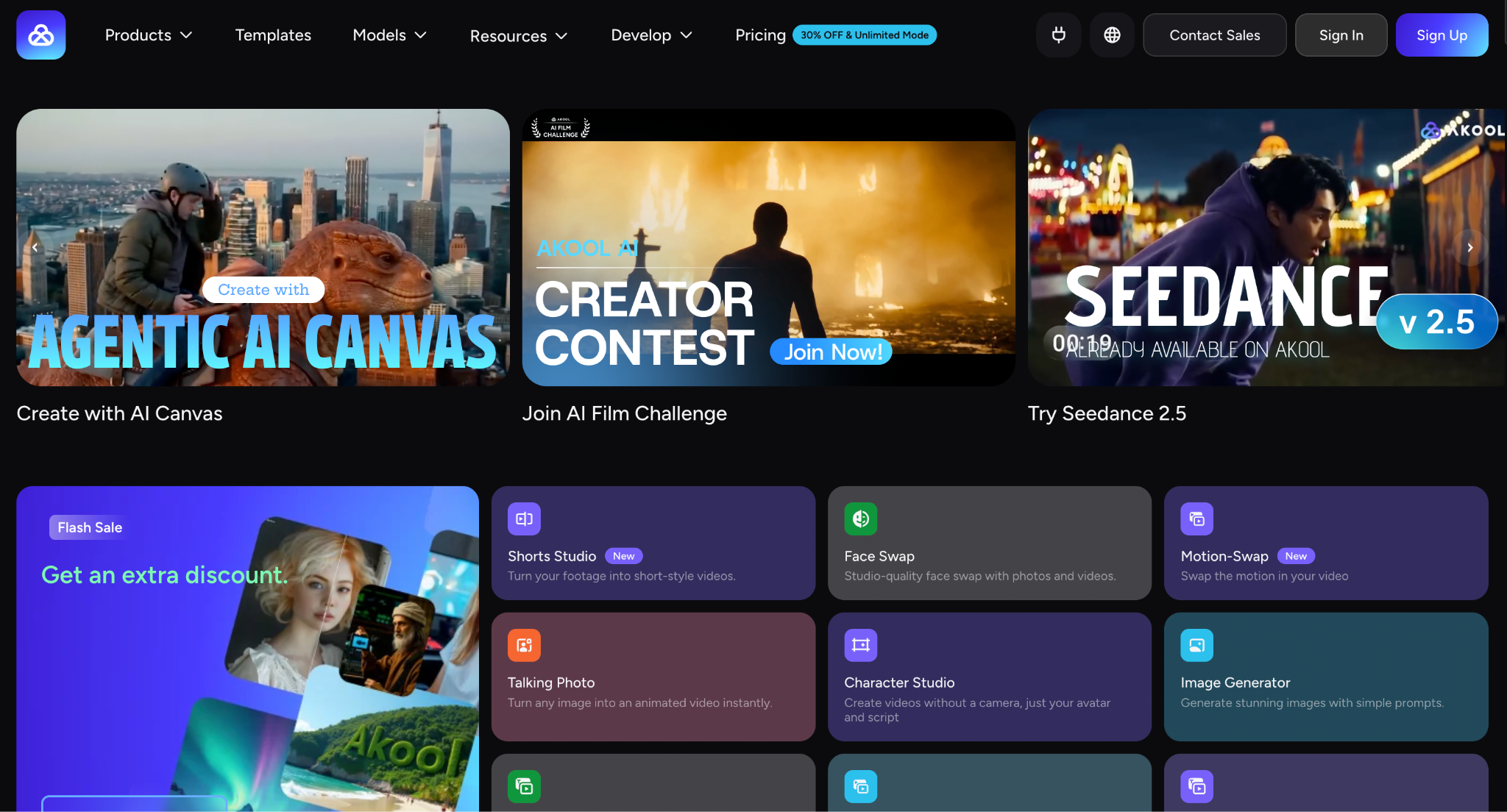
Akool focuses on talking avatars, talking photos, face swap, and video translation. Those formats often frame a speaker from the chest up, so hands play a small role.
That sidesteps the problem rather than solving it. If you use its more open video models, expect the same hand risks as elsewhere.

Higgsfield's Cinema Studio lets you pick camera, lens, and aperture as settings before you generate. Its own guide says hands and faces break most when the prompt is overloaded and the shot has too few constraints. That is advice from the company itself, so treat it as one view. Still, the idea of fewer moving parts is good practice on any tool.
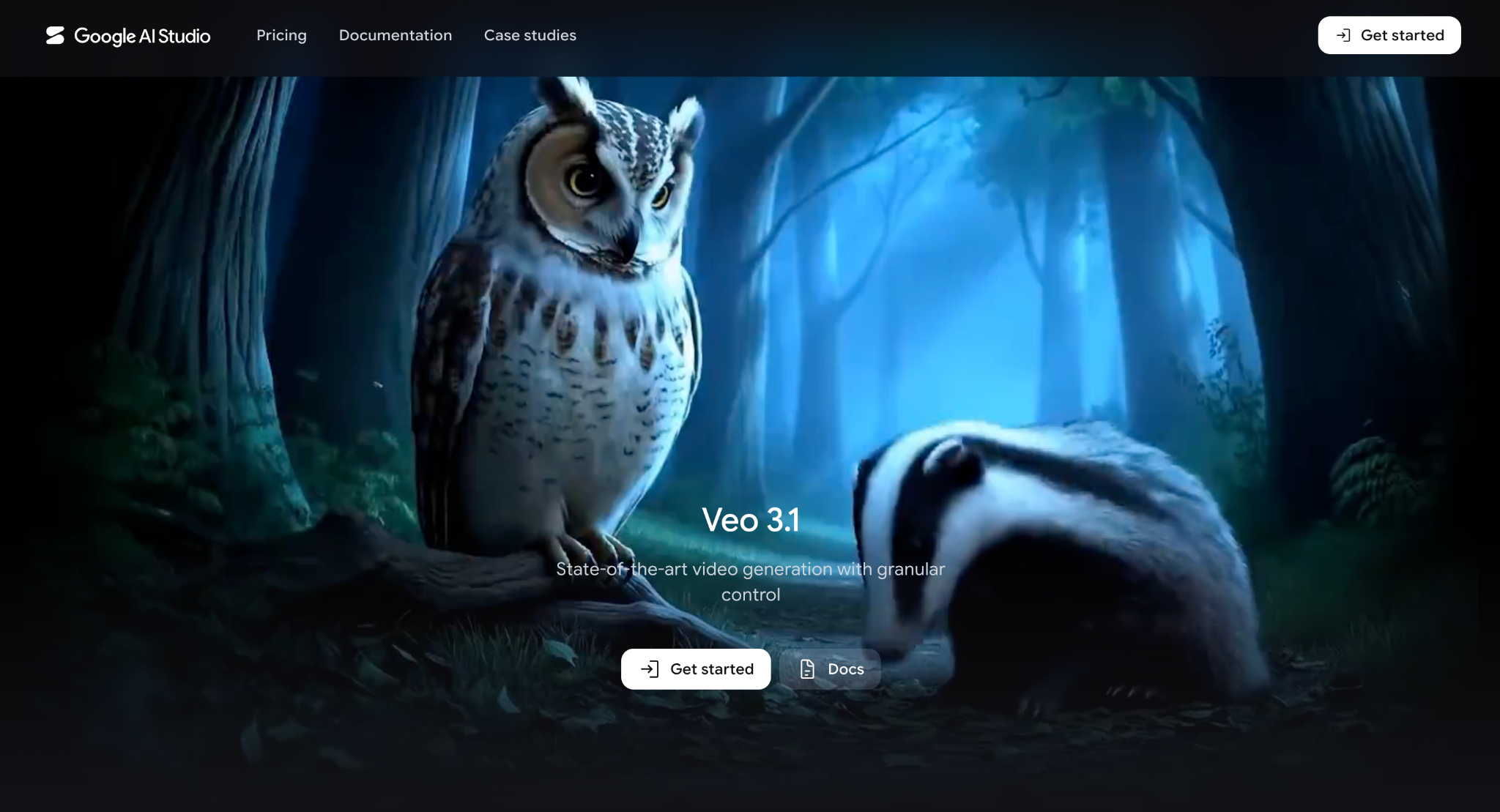
Veo 3.1 supports reference images, and Google's tools include first and last frame controls and clip extension. Clips run about 8 seconds, which gives hands less time to drift.
The limit: it still makes mistakes with busy hand actions, and features can differ depending on where you access it.
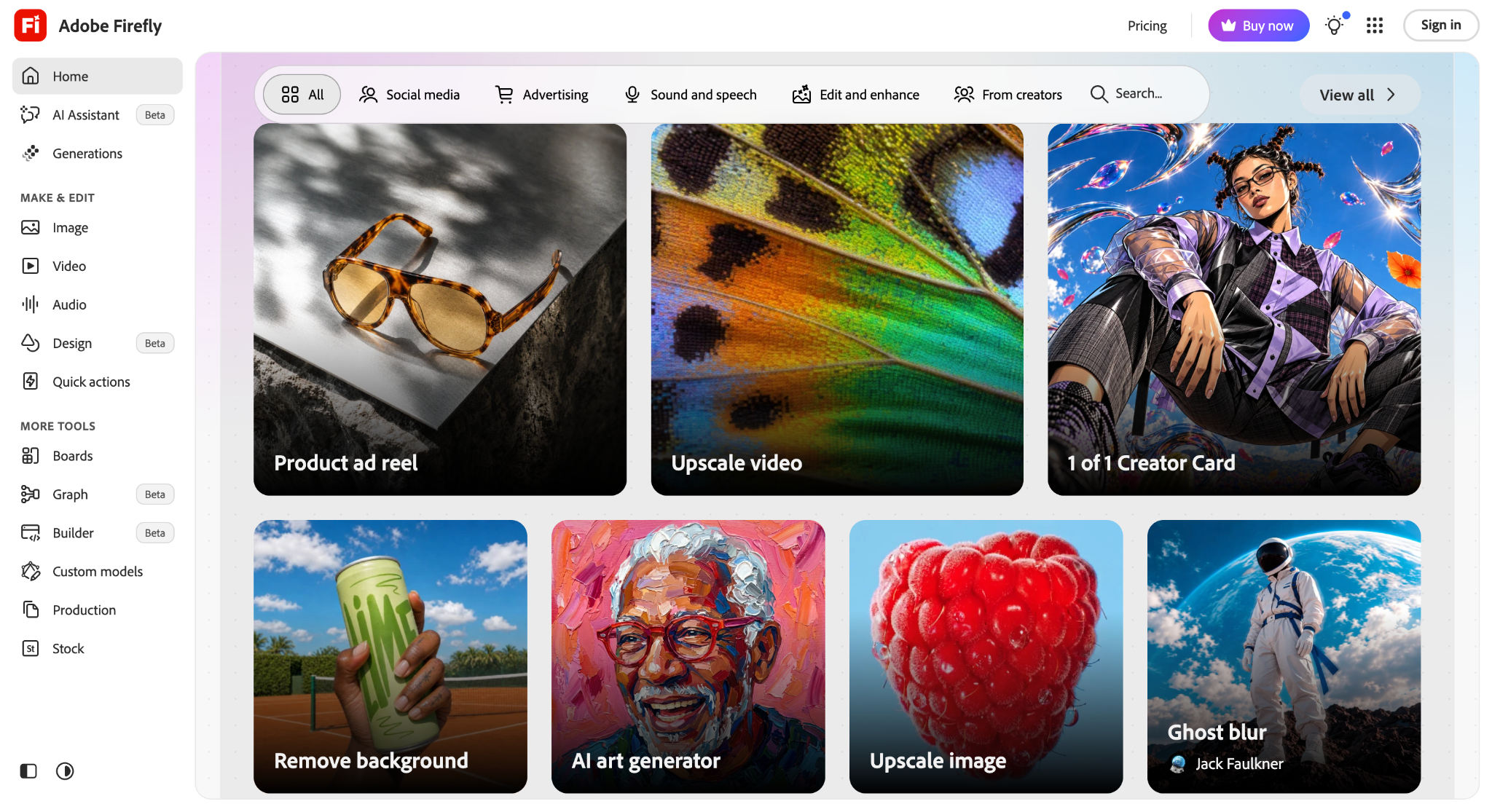
Firefly has a Firefly video model that Adobe says was trained on licensed content, and Adobe has brought Firefly features into Premiere Pro. That helps because you can trim a bad second inside a normal editing timeline.
It does not remove hand errors by itself. It just makes fixing around them easier.
Elser AI notes that negative prompts like no extra fingers can help a little. Its main advice is the same, though: lower the complexity.
The model learned from images where fingers were often hidden or overlapping. It then guesses wrong about how many there should be.
Usually yes. A video must keep the hand consistent across many frames, not just one.
They can help a little, but they are not a cure. Simpler shots work better.
Better data and more control are helping, but no one can promise perfect results. Always review your clips.