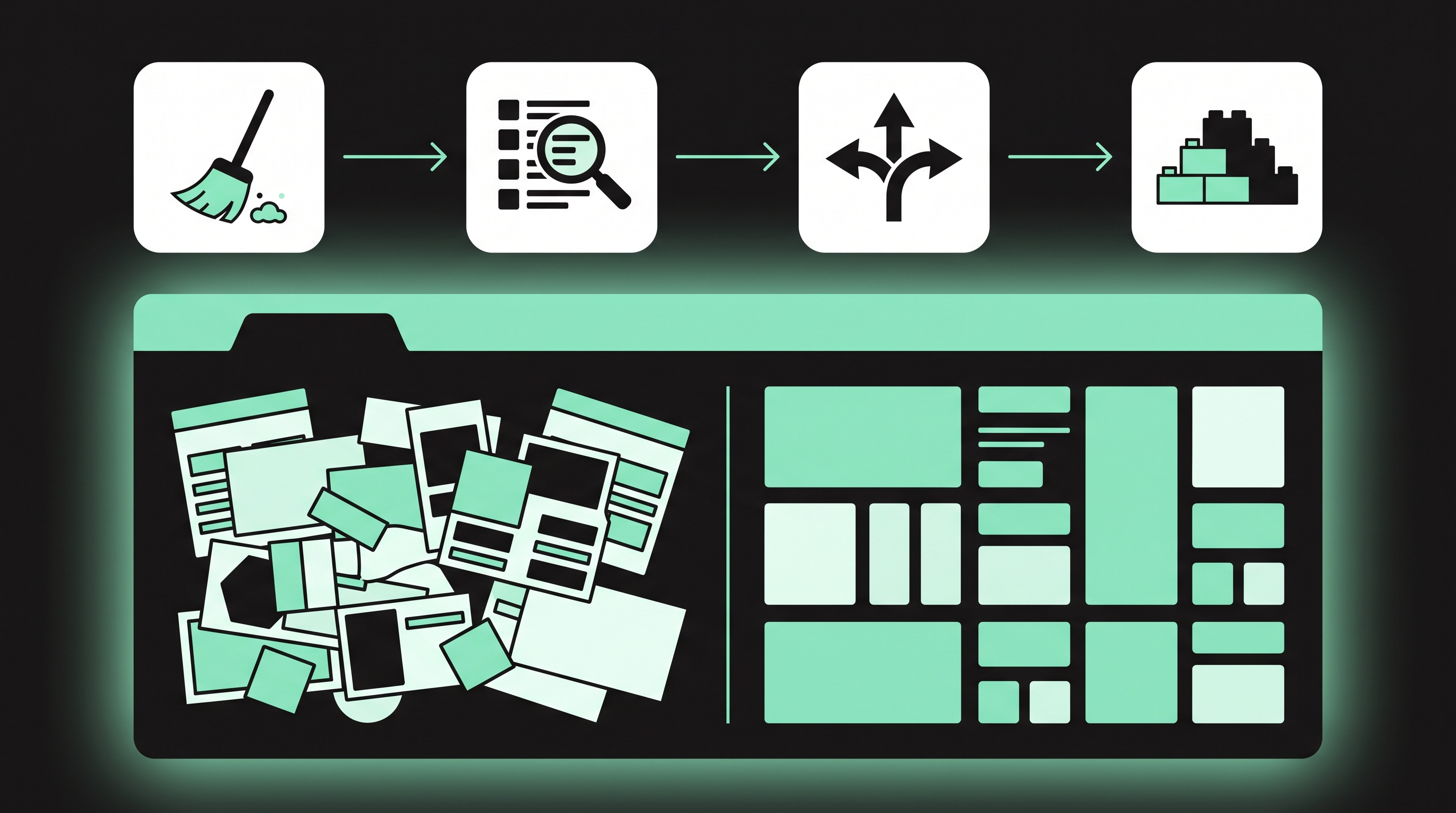
Most Webflow sites start clean. A template or a fresh build, a tidy class list, three CMS collections and a clear page structure. Two years later, the same site has hundreds of classes, a "Blog Posts Old" collection nobody wants to delete, landing pages for campaigns that ended last spring, and interactions that break when someone moves the wrong div.
At some point, every edit starts to feel risky. The Designer gets slow, new team members avoid certain pages, and publishing becomes a small act of faith. The real question is whether the site needs a few days of cleanup or a proper rebuild. Here is how to tell the difference, and how to avoid ending up in the same spot again.
Signs Your Webflow Build Has Outgrown Its Setup
The symptoms usually show up in three places, and each one is easy to spot once you know what to look for.
In the Designer, the class list is long and inconsistent. You see "Hero Heading", "hero-heading-2" and "Heading Copy 3", and nobody knows which one is safe to edit. Changing a combo class on one page changes something on another page you forgot existed.
In the CMS, collections have fields that sit empty on most items, or fields added for one campaign and never used again. Two collections hold nearly the same content, like "Resources" and "Guides", because nobody wanted to restructure the first one.
In publishing, the site has pages nobody has opened in months. Old campaign pages still get indexed. The 301 redirect list in Site settings has grown into a long mix of valid rules and rules that point at pages that no longer exist.
One or two of these are normal for any site that gets used. All three at once is a sign the structure is fighting the team.
What a Cleanup Actually Involves
A cleanup keeps the existing build and removes what no longer earns its place. Done well, it takes a few days, not weeks.
Start with styles. Webflow's Style Manager can remove unused classes in bulk, and the Webflow University lesson on finding and cleaning styles walks through the process. Before you run it, back up the site and check for classes applied only through custom code or interactions. Webflow flags those as unused and deletes them. A common fix is a style guide page where those classes stay attached to hidden elements.
Next, audit the CMS. Export each collection to CSV, look for fields that are empty on most items, and remove the ones nobody fills in. Merge collections that hold the same kind of content, and check that reference fields still point at live items.
Then review pages and redirects. Delete dead campaign pages, set a 301 for any that still get traffic or backlinks, and remove redirect rules that point to other redirects.
Finally, rename the worst classes. You won't rename all of them, but fixing the twenty most used ones makes the Designer easier to navigate for everyone.
When a Cleanup Isn't Enough
Some problems can't be solved by deleting things, because they are built into how the site was structured in the first place.
The first is a missing class system. If the site was built without a naming convention, every section is styled a little differently. Cleaning unused classes only shortens a list that is still chaotic. Retrofitting a system across dozens of pages often takes longer than rebuilding those pages with one from day one.
The second is a CMS modeled the wrong way. If blog posts, case studies and resources all live in one collection with a "Type" field and conditional visibility everywhere, every template carries logic for content it doesn't show. Splitting that collection means rebuilding the templates and every filter that depends on it.
The third is scale. A site that launched with 40 pages and now has 600, with several editors publishing every week, has different needs than it did at launch. It needs stricter roles, component-based sections and a CMS structure that stays within your plan's item limits as it grows. At that point, sites with a few hundred CMS pages and several editors usually get audited by a specialist such as Veza Digital before anyone commits to a full rebuild. An outside audit helps because the team that built the site tends to underestimate how tangled it has become.
A rebuild also doesn't mean starting from zero. The content, the URL structure and most redirects carry over. What changes is the structure underneath.
A Quick Checklist to Decide Between Cleanup and Rebuild
Answer each question with a simple yes or no.
- Does the site use a consistent class naming system across most pages?
- Can an editor update one page without breaking the layout on another?
- Does each CMS collection hold one clear type of content?
- Do only a few templates rely on conditional visibility to hide unused fields?
- Is the site comfortably within its CMS plan limits, with room for a year of growth?
- Do interactions still work on every breakpoint after recent edits?
- Is the current design close to what the brand needs for the next two years?
If you answered yes to five or more, a cleanup will get you most of the way. Three or four yeses usually means a cleanup plus a targeted rebuild of the worst sections, such as the blog templates. Two or fewer, and a full rebuild will likely take less time than patching.
Planning a Rebuild So You Don't Repeat the Mess
If you rebuild, the goal is a site that still makes sense two years from now. A few decisions made early do most of the work.
Pick a class naming system before designing anything. Client-First, Lumos and similar frameworks all work, and the specific choice matters less than applying it everywhere. Write the rules down where editors can find them.
Model the CMS before building pages. List every content type, the fields each one needs and how they reference each other. Changing a spreadsheet is easier than changing a live collection with 300 items.
Build with components. Navigation, footers, CTAs and repeating sections should be components, so a change in one place updates everywhere and editors can't restyle them by accident.
Set up roles and a publishing process. Decide who works in the Designer, who uses the Editor only, and who approves changes before they go live. On plans that include it, page branching lets larger teams work on a page without touching the live version.
Map redirects before launch. Carry over every URL that still has traffic or backlinks, and test the full list on the staging domain.
An aging Webflow site doesn't always need a rebuild, and a cleanup doesn't always fix the real problem. Look at where the friction comes from. If it's clutter, clean it. If it's structure, rebuild with a system your team will actually keep. Either way, put a smaller cleanup on the calendar every six months, so the next decision is an easy one.